

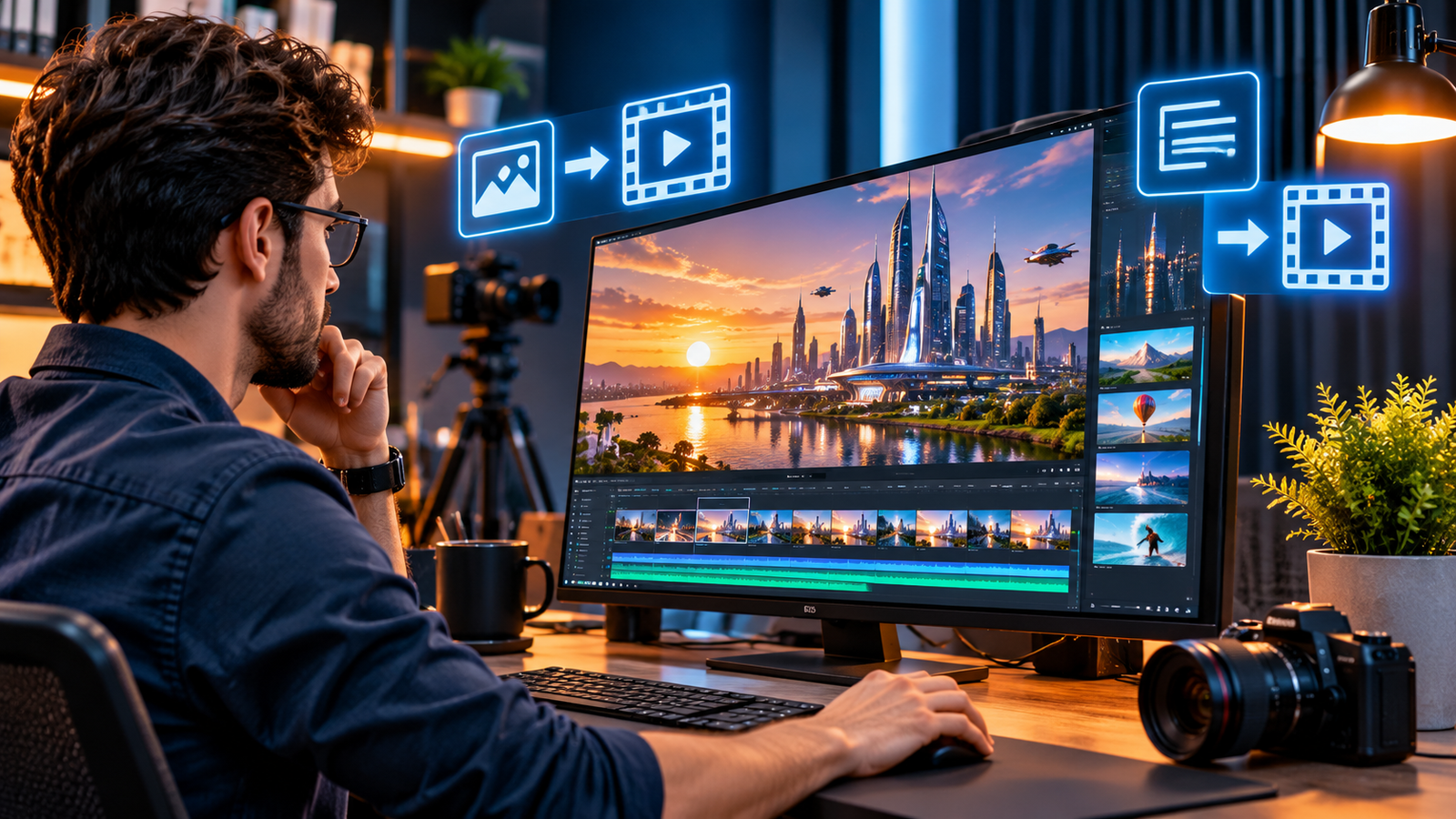
AI video generation has moved beyond experimental clips. In 2026, creators and businesses can turn written prompts, product images and reference footage into short scenes, marketing assets, storyboards and visual concepts. Newer systems offer stronger motion, improved subject consistency, audio generation and more editing controls. But a convincing demo is not the same as a reliable production workflow.
This guide explains how AI video generators work, what they are useful for, how to choose a tool, and what to check before publishing generated footage commercially.
What is AI video generation?
AI video generation uses machine-learning models to create or transform moving images from inputs such as text prompts, still images, existing video, audio or a combination of references. A text-to-video system may create a scene from a written description. An image-to-video system animates a supplied photograph or illustration. Video-to-video tools can restyle, extend or modify existing footage.
Most tools generate short clips rather than complete, finished films. Editors then combine selected outputs with recorded footage, narration, music, titles, captions and brand assets. In practice, AI is often one stage in a production pipeline—not a replacement for creative direction and quality control.
How modern AI video generators work
Video models learn visual patterns and how scenes change over time from large collections of training data. When a user submits a prompt or reference image, the model predicts a sequence of frames that fits the requested subject, action, environment and visual style. Systems differ in architecture, training data, generation speed and the controls they expose.
The main generation methods
- Text-to-video: Creates a clip from a written description, including the subject, setting, action, camera movement and mood.
- Image-to-video: Adds motion to a still image. This is useful for product photos, illustrations, concept art and campaign visuals.
- Reference-guided generation: Uses reference images or clips to guide character appearance, objects, locations or visual style across shots.
- Video transformation: Changes or extends existing footage, removes or adds objects, or adapts a scene to a new visual direction.
- AI-assisted editing: Helps assemble, trim, extend, caption or refine clips inside a larger editing workspace.
Some newer systems also generate sound effects, ambience or dialogue alongside the visuals. Google describes Veo 3.1 as supporting native audio, reference-guided creation, scene extension and camera controls. These features can reduce production steps, although the result still needs review for timing, speech quality and continuity.
What can businesses and creators make?
1. Product marketing and advertising
Marketing teams can animate product images, create alternative backgrounds, produce short concept ads and test different visual directions before arranging a full shoot. AI-generated scenes can be useful for mood boards and early creative testing. For product claims, packaging, dimensions and physical details, teams should compare every frame with the real item so the video does not misrepresent what customers will receive.
2. Social media and short-form content
Creators can develop vertical clips, visual hooks, animated explainers and supporting B-roll for short-form platforms. A repeatable template—with a consistent opening, captions, brand colours and call to action—can make production more efficient than generating every video from scratch.
3. Training and internal communication
Organisations can use generated scenes to illustrate procedures, explain abstract concepts or create draft training materials. Human review remains essential where safety instructions, legal obligations or technical procedures are involved. Do not let a generated visual invent a step that employees might follow in the real world.
4. Storyboarding and pre-visualisation
Filmmakers, agencies and designers can test camera angles, scene transitions, lighting and pacing before committing to expensive production. These clips are especially valuable as visual references for discussions with clients and production teams, even when they are not used in the final film.
5. Education and explainers
Educators and publishers can create illustrative scenes for history, science and complex processes. Generated visuals should be labelled or contextualised when viewers could mistake a fictional reconstruction for documentary evidence.
AI video tools worth evaluating in 2026
There is no single best AI video generator for every project. Compare tools by output quality, controllability, clip length, audio, editing features, export options, privacy, regional availability and licensing—not just by a showcase clip.
Google Veo 3.1
Google Veo 3.1 is positioned for cinematic video creation with native audio, reference images, character consistency, scene extension and camera controls. It is worth testing when a project needs detailed visual direction or sound generated with the scene. Check the current product interface and access conditions before planning a workflow around it.
Adobe Firefly
Adobe Firefly’s video workspace supports text-to-video and image-to-video, editing and access to selected partner models. Adobe states that video created with its own Firefly Video Model is designed for commercial use; that statement should not be assumed to cover every partner model available in the same workspace. Verify the terms for the exact model and plan you use.
Runway and other specialist platforms
Platforms such as Runway, Kling, Luma and other specialist services focus on different combinations of generation, camera control, motion, reference consistency and editing. Their capabilities and terms change quickly. Test the same prompt and reference assets across shortlisted tools to compare results fairly.
For a wider creative workflow, see our guide to the best AI tools in 2026. If you are building a repeatable content operation, our article on AI productivity in 2026 explains how AI tools can fit into everyday work.
A practical workflow for producing better AI videos
- Define the job. Decide whether the output is an advertisement, explainer, social clip, storyboard or internal training asset. Set the audience, platform, aspect ratio and desired duration first.
- Write a shot brief. Describe one clear action per shot. Include subject, location, time of day, lighting, camera framing, movement and visual style. Avoid contradictory instructions.
- Prepare references. Use approved product images, brand assets and reference frames. Confirm that you have permission to use any people, logos, music or source footage.
- Generate several options. Compare a small number of variations rather than spending the entire budget on one prompt. Keep notes about the prompt, model and settings used.
- Review frame by frame. Check faces, hands, text, logos, product details, shadows, object movement, continuity and audio synchronisation. Reject clips with misleading or physically implausible details.
- Edit and finish. Assemble the strongest shots, add accurate captions and licensed audio, correct colour and sound, and make the final export match the platform specifications.
- Document and disclose. Keep records of source assets, model, plan, permissions and edits. Add an AI disclosure where required by law, platform policy or audience expectations.
How to choose the right AI video generator
| What matters | Questions to ask |
|---|---|
| Visual quality | Does it render the subject, movement, lighting and details accurately? |
| Control | Can you guide camera motion, use references and keep characters consistent? |
| Audio | Does it generate dialogue or sound, and can you edit or replace it? |
| Workflow | Can you export suitable formats and move clips into your existing editor? |
| Cost | What do credits, retries, higher resolutions and commercial plans actually cost? |
| Rights and privacy | What do the terms say about commercial use, inputs, outputs, data retention and training? |
| Reliability | Can the service deliver consistent results and support your required volume? |
Costs: look beyond the monthly subscription
Many services use credits, generation limits or separate allowances for premium models and higher-resolution exports. A low advertised subscription price does not necessarily mean a low cost per finished video. Include failed generations, revisions, editing time, storage, voice-over, music licensing and staff review in your budget.
For a fair comparison, create the same short test brief in each tool, record how many attempts are needed, and calculate the cost of an approved final clip—not merely the cost of one generation. Check pricing pages immediately before purchase because model access and credit rates can change.
Copyright, consent and responsible use
Commercial permission is not a universal property of AI-generated video. It depends on the provider, the specific model, the plan, the inputs and the intended use. Read the current terms for the exact service you use. Do not assume that a commercial-use statement for one model applies to partner models offered inside the same platform.
- Use authorised inputs: Do not upload footage, photographs, music or brand assets unless you have the necessary rights or permission.
- Respect likeness and voice: Obtain consent before generating or simulating an identifiable person’s face or voice, and avoid deceptive impersonation.
- Protect confidential information: Review data-retention and model-training settings before uploading unreleased campaigns, customer footage or sensitive business material.
- Disclose synthetic media: Label generated or materially altered footage when required by applicable law, platform rules or the context in which it is published.
- Keep evidence: Retain project files, source records, approvals and the terms that applied when the content was created.
Google says Veo outputs include SynthID watermarking and describes safety checks for generated content. Watermarks and detection tools can help with provenance, but they do not replace consent, fact-checking or clear disclosure. For an overview of one major video model’s safety and availability history, see OpenAI’s Sora 2 announcement and check the current product status before relying on older tool comparisons.
Limitations you should expect
Even advanced generators can struggle with precise text, product geometry, hands, fast interactions, complex physics, continuity between shots and natural dialogue. A character may change appearance, an object may move inconsistently, or a scene may look plausible at first glance but fail on closer inspection. Repeated generation and human editing are still part of the process.
AI video is therefore best treated as a creative production assistant. It can accelerate ideation and create useful footage, but important claims, safety-critical instructions, product demonstrations and factual reconstructions need human verification.
Frequently asked questions
Can AI generate a complete video from text?
Yes, many tools can generate a short clip from a text prompt. A polished, longer video usually requires multiple generations, editing, sound, captions and review.
Can I use AI-generated videos for business?
Often, but you must check the provider’s current commercial-use terms for the specific model and plan. You also need rights to the inputs and must follow applicable advertising, privacy, likeness and disclosure rules.
Are AI video generators free?
Some services offer limited free access or trial credits, while others require a subscription or paid credits. Free tiers may have restrictions on exports, watermarks, speed, model choice or commercial use.
Which is better: text-to-video or image-to-video?
Text-to-video is useful when you are starting with an idea and want the model to create the scene. Image-to-video is often more suitable when you already have a product photo, illustration or approved visual that should guide the result.
Will AI video replace professional videographers?
AI can reduce the time and cost of some visual tasks, but professional production still relies on creative judgement, directing, lighting, sound, performance, accuracy and client collaboration. The strongest workflows combine generative tools with human expertise.
The future of AI video generation
Expect continued progress in longer scenes, reference consistency, editing controls, native audio and integration with professional creative software. At the same time, provenance, rights management and disclosure will become more important as synthetic footage becomes harder to distinguish from recorded video.
For creators and businesses, the practical opportunity is clear: use AI video generation to explore ideas faster, produce supporting visuals and reduce repetitive work. Choose tools based on the finished result, protect the rights of everyone involved, and keep a human editor accountable for what gets published.