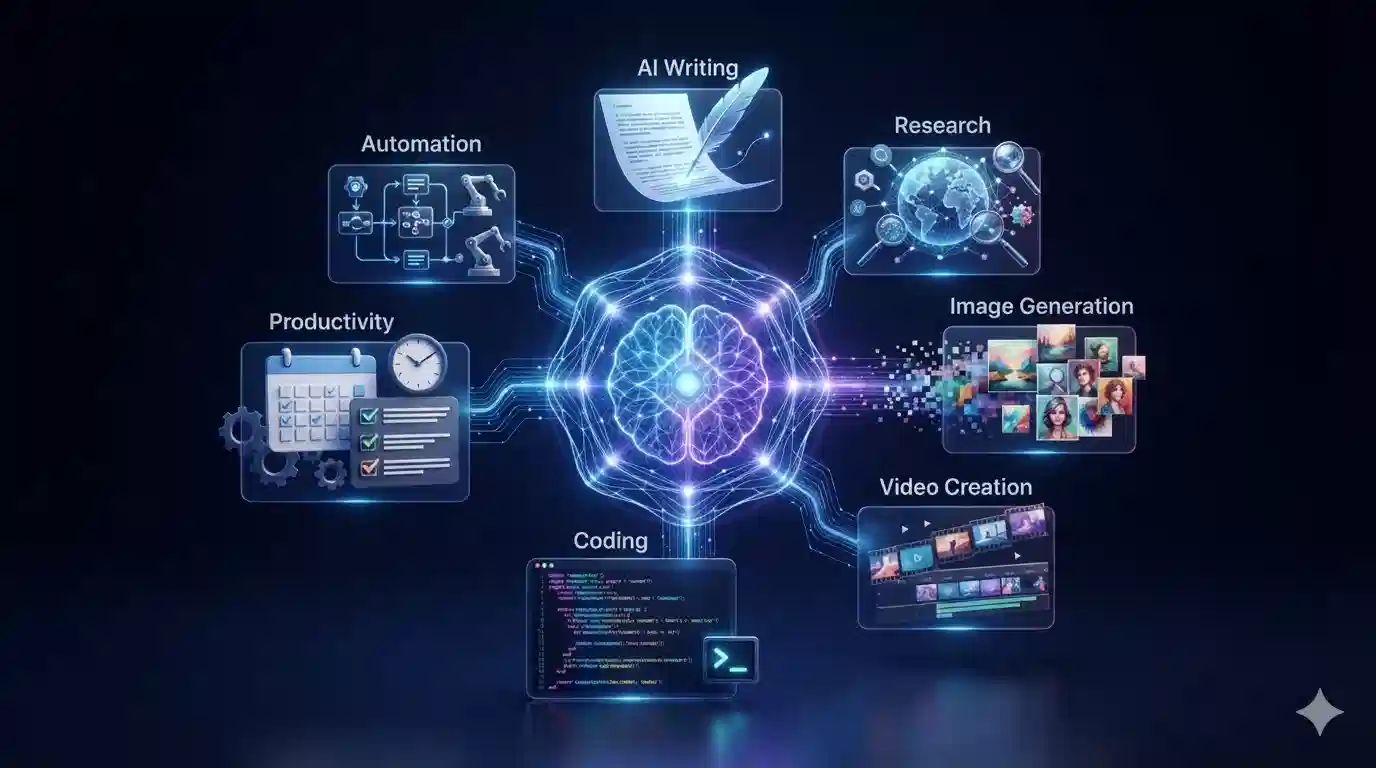


Artificial intelligence is changing the way people work.
In just a few years, AI has moved from being something people experimented with occasionally to becoming part of everyday workflows. Professionals now use AI to write and summarize documents, research topics, analyze information, generate ideas, organize tasks, create presentations, write code and automate repetitive processes.
But there’s an important distinction between using AI and actually becoming more productive with AI.
Adding another AI application to your workflow doesn’t automatically save time. In some cases, it can create more work, especially when employees have to verify inaccurate outputs, move information between disconnected applications or manage too many AI-generated tasks.
The real opportunity in 2026 is to use AI strategically.
Recent workplace research illustrates this productivity paradox. BCG’s 2026 Global AI at Work research found that 42% of surveyed frontline employees reported saving eight hours or more per week through regular AI use, but 66% said they received limited or no guidance about how to use that saved time.
So how can individuals and businesses turn AI into genuine productivity gains?
Let’s explore.
What Is AI Productivity?
AI productivity refers to using artificial intelligence to complete work more efficiently, reduce repetitive tasks, improve decision-making and help people focus on higher-value activities.
Traditional productivity tools generally help you organize work.
AI productivity tools can go further by helping you perform parts of that work.
For example, a traditional task manager might remind you:
“Write the weekly report.”
An AI assistant could help you:
- collect relevant information
- summarize meetings
- analyze documents
- create an outline
- draft the report
- identify missing information
- prepare the final version for review
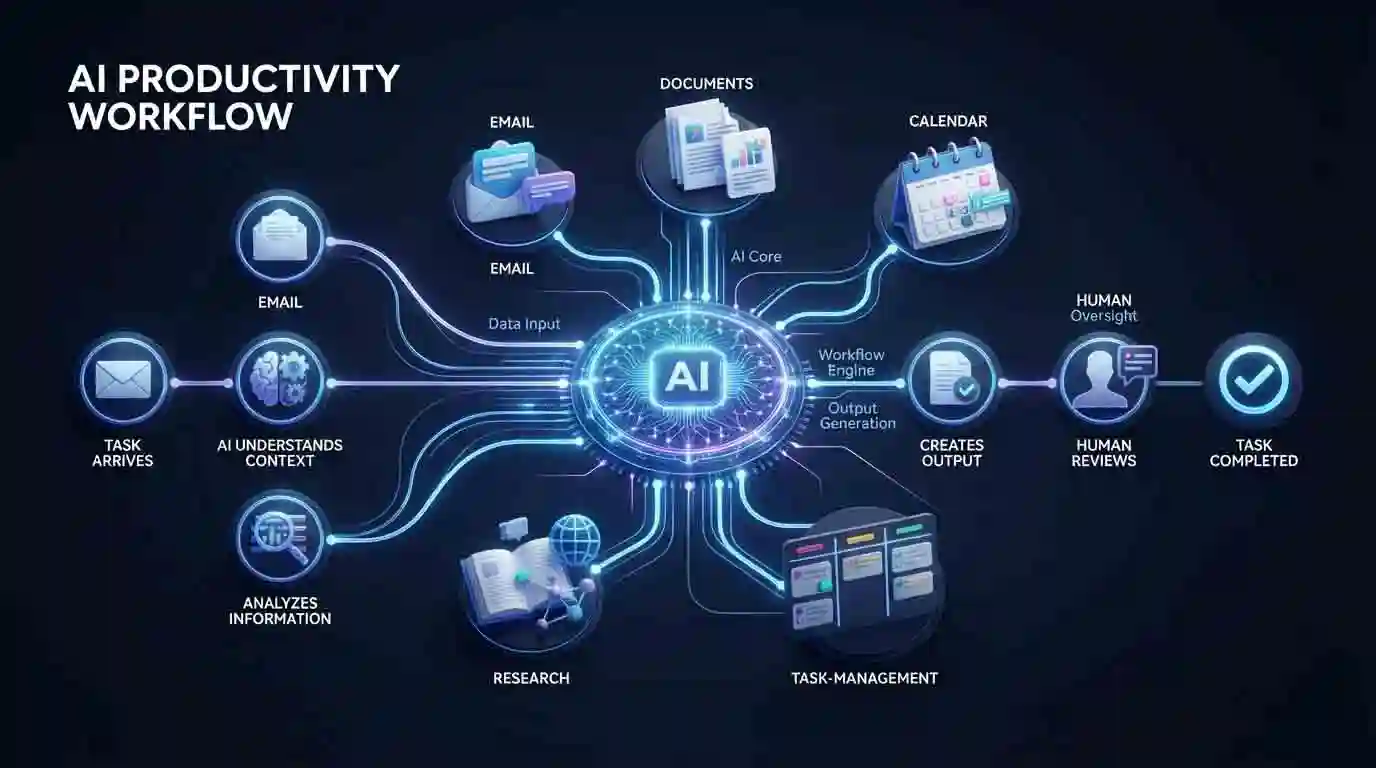
The person still provides judgment and oversight, but AI can reduce the amount of manual work involved.
AI Productivity in 2026: Powerful Ways AI Can Save Time and Get More Done
Why AI Productivity Matters in 2026
The conversation around workplace AI is changing.
Earlier discussions often focused on whether AI could perform individual tasks.
Now businesses are asking a more important question:
How should work itself be redesigned around AI?
BCG’s 2026 research argues that AI is changing jobs faster than many organizations are redesigning their operating models.
Microsoft’s 2026 Work Trend Index similarly highlights the increasing role of AI agents and the need for organizations to rethink how people and AI work together.
This means productivity isn’t simply about having access to powerful AI models.
It’s about building better workflows.
1. AI Can Speed Up Writing
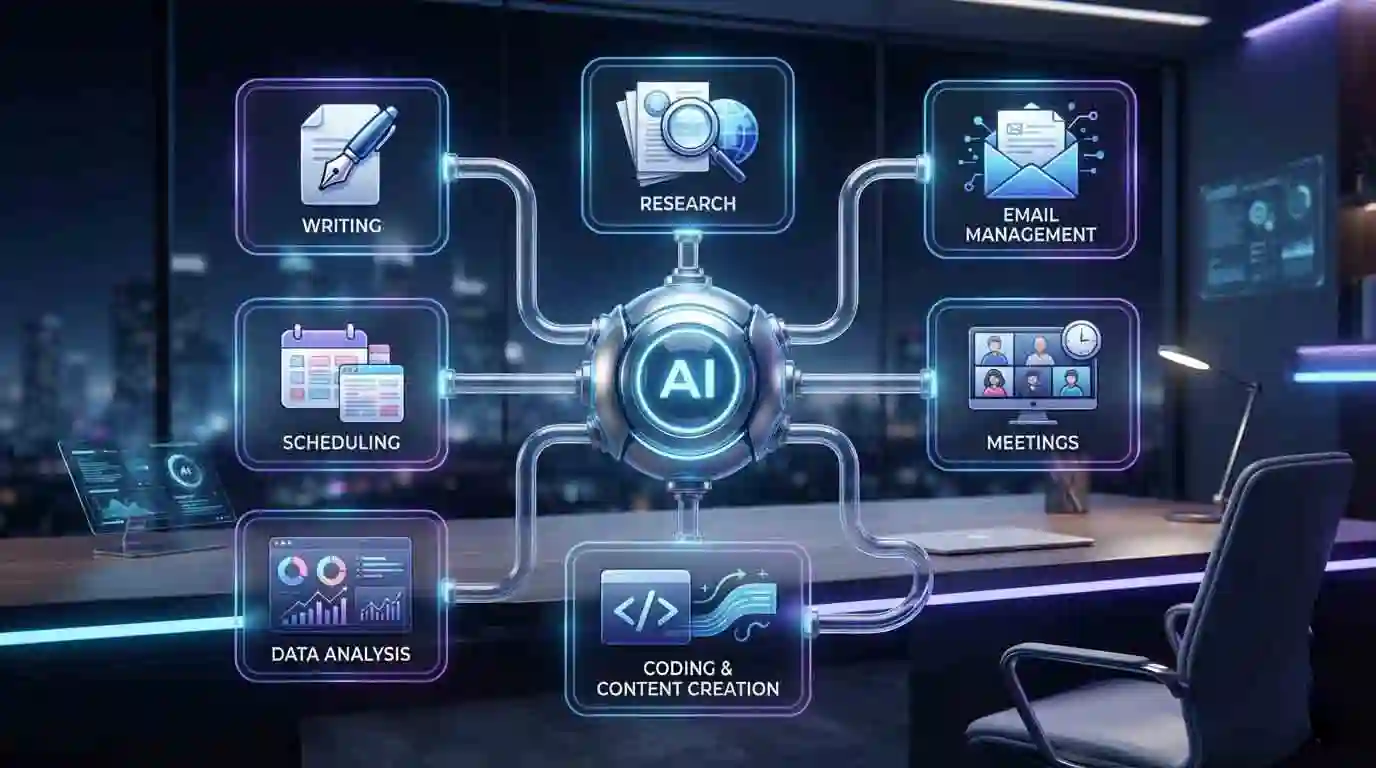
Writing is one of the most obvious AI productivity applications.
AI can help with:
- brainstorming
- outlines
- first drafts
- rewriting
- summarization
- proofreading
- tone adjustment
- email responses
- reports
- proposals
Instead of starting with a blank page, you can give AI the relevant context and ask it to produce a starting point.
For example:
“Turn these meeting notes into a professional project update.”
The AI-generated draft can then be reviewed and edited by a human.
This is generally more useful than asking AI to produce something without providing context.
The productivity principle
Use AI to reduce the friction of starting and processing information—not to eliminate human judgment.
AI Productivity in 2026: Powerful Ways AI Can Save Time and Get More Done
2. AI Makes Research Faster
Research can consume hours when information is spread across multiple documents and websites.
AI can assist with:
- summarizing long documents
- extracting key points
- comparing information
- creating research outlines
- identifying questions
- organizing notes
- explaining complex subjects
AI search systems are also changing how people discover information.
For more information, see our article on AI Search in 2026.
However, AI research should always include verification.
An AI-generated answer can sound convincing while still containing errors.
Therefore:
AI research → source checking → human judgment
is a much safer workflow than:
AI research → publish immediately.
3. AI Can Improve Email Productivity
Email is one of the biggest sources of repetitive knowledge work.
AI can help users:
- summarize long email threads
- draft responses
- rewrite messages
- change tone
- identify action items
- prioritize information
- turn messages into tasks
For example, instead of spending several minutes reading a long discussion, an AI assistant can provide a summary containing:
Decision: Project deadline moved to Friday.
Action: Marketing team must update the campaign.
Owner: Sarah.
Next step: Review the final version Thursday.
The employee can then make the final decision rather than manually extracting every detail.
4. AI Can Turn Meetings into Action Items
Meetings create another productivity challenge.
A meeting doesn’t end when everyone leaves the call.
Someone still has to:
- write notes
- identify decisions
- assign tasks
- summarize discussions
- send follow-up emails
AI meeting assistants can automate much of this process.
A typical workflow might look like:
Meeting → transcription → summary → decisions → action items → follow-up
This can reduce administrative work and make meetings more useful.
But participants should still verify important information because automated transcription and summaries can contain mistakes.
5. AI Can Help with Time Management
AI can also become a planning assistant.
Instead of simply displaying a list of tasks, an AI system can help prioritize work based on:
- deadlines
- importance
- estimated effort
- dependencies
- available time
For example:
“I have three hours today. I need to finish a client proposal, answer 15 emails and prepare tomorrow’s presentation.”
AI can help create a practical schedule.
The human remains responsible for deciding what actually matters.
6. AI Can Automate Repetitive Work
One of the biggest productivity opportunities is combining AI with automation.
Imagine this workflow:
New customer inquiry → AI reads message → identifies request → categorizes lead → enters CRM → drafts response → notifies employee
Without automation, a person may need to perform each step manually.
AI automation can connect several of these steps.
AI becomes even more useful when it is connected to automated workflows. Our guide to AI Automation in 2026 explains how businesses can combine AI with software and workflows to reduce repetitive work while keeping humans involved where necessary.
The key is to automate processes that are:
- repetitive
- well understood
- measurable
- relatively low risk
Don’t automate a complicated business process simply because AI can technically perform it.
7. AI Can Help Developers Work Faster
Software developers increasingly use AI for coding-related tasks.
AI coding assistants can help with:
- code generation
- debugging
- documentation
- testing
- refactoring
- explaining unfamiliar code
- generating boilerplate
Research published in 2026 on long-term agile software teams found that generative AI was associated with increased perceived efficiency and performance, while developer activity itself remained relatively flat. The authors argue that this suggests AI may increase the value density of development work rather than simply increasing the volume of activity.
That’s an important distinction.
More code isn’t necessarily more productivity.
Better outcomes with less wasted effort are what matter.
8. AI Can Improve Content Creation
Content creators can use AI across almost the entire production process.
For example:
Research
AI helps organize information.
↓
Planning
AI creates an outline.
↓
Writing
AI produces a draft.
↓
Editing
AI identifies clarity and grammar problems.
↓
Visuals
AI assists with image concepts and creative directions.
↓
Distribution
AI creates social media variations.
This can dramatically reduce repetitive production work.
However, original ideas, factchecking, editorial judgment and final quality control remain important.
9. AI Can Help Analyze Data
Data analysis can be difficult when information is stored across spreadsheets, reports and databases.
AI can help users:
- summarize datasets
- identify trends
- explain unusual results
- generate formulas
- create reports
- interpret charts
- ask questions using natural language
For example:
“Which products had the largest month-over-month decline?”
Instead of manually searching through a spreadsheet, an AI-enabled system may be able to identify the relevant information.
But important business decisions should still be checked against the underlying data.
10. AI Can Reduce Information Overload
Modern professionals receive enormous amounts of information every day.
Emails.
Messages.
Documents.
Reports.
Notifications.
Meetings.
AI can act as a filtering layer.
Instead of showing everything equally, AI can help identify:
What matters?
What requires action?
What can wait?
What can be ignored?
This is potentially one of AI’s most valuable productivity benefits.
Best AI Productivity Tools in 2026
You don’t need dozens of AI applications to become more productive.
For a closer look at one of the most widely used AI assistants, read our ChatGPT Review 2026, including its productivity capabilities and practical use cases.
A small, well-designed toolkit is usually better.
Depending on your workflow, useful categories include:
AI assistants
Useful for writing, brainstorming, analysis, planning and general problem-solving.
AI search and research
Useful for finding and synthesizing information.
AI writing tools
Useful for editing, drafting and communication.
AI meeting assistants
Useful for summaries and action items.
AI coding assistants
Useful for software development.
AI automation platforms
Useful for connecting applications and creating workflows.
AI workspace tools
Useful for notes, documents, projects and team knowledge.
If you’re building your own AI toolkit, our 25 Best AI Tools to Try in 2026 guide covers a broader range of AI applications for writing, research, productivity, coding, creativity and business.
The best tool is not necessarily the one with the most features.
It’s the one that solves a real problem in your workflow.
AI Productivity Does Not Mean Automating Everything
This is one of the most important lessons for 2026.
AI can make individual tasks faster without necessarily making an entire organization more productive.
For example:
A worker might produce reports twice as quickly.
But if nobody knows what to do with those reports, the organization hasn’t necessarily become twice as productive.
Research is increasingly highlighting this difference between individual speed and organizational AI productivity. BCG’s 2026 findings show that many workers are saving substantial amounts of time, while organizations still struggle to translate those savings into more strategic work.
The goal should therefore be:
Better outcomes, not simply faster activity.

The AI Productivity Paradox
There is another side to the story.
AI can make work faster—but it can also increase the amount of work people are expected to produce.
Harvard Business Review reported in 2026 that AI doesn’t always reduce work; in some situations, it can intensify it.
Imagine a marketing team that previously produced:
10 articles per month
After adopting AI, it might produce:
30 articles per month.
The company has increased output.
But employees may still feel just as busy because expectations have increased.
This is why productivity should not simply be measured by how much content or work gets produced.
AI-powered search is also changing how people discover and evaluate information. Our guide to AI Search in 2026 explains how conversational search is changing the traditional search experience.

How to Use AI Without Losing AI Productivity
Here are some practical rules.
1. Start with a problem
Don’t ask:
“Which AI tool should I use?”
Ask:
“What task is wasting my time?”
Then find the appropriate tool.
2. Give AI context
Better instructions generally produce better results.
Include:
- objective
- audience
- background
- constraints
- desired format
- examples
3. Use AI for the first draft
Don’t treat the first AI output as the final answer.
Review it.
Correct it.
Improve it.
4. Keep humans involved
Human judgment remains particularly important for:
- important decisions
- financial information
- legal information
- sensitive data
- customer-facing communication
- strategic planning
5. Measure results
Ask:
- Did this save time?
- Did quality improve?
- Did errors decrease?
- Did employees actually benefit?
If the answer is no, change the workflow.
AI Productivity for Small Businesses
Small businesses can benefit significantly from practical AI Productivity workflows.
For example:
Customer service
AI → classify customer message → draft response → human approval
Marketing
AI → research topic → create outline → draft → human editing
Sales
AI → analyze lead → prepare customer summary → draft outreach
Administration
AI → process documents → extract information → update spreadsheet
Social media
AI → transform article → create social posts → schedule content
The advantage isn’t necessarily replacing employees.
It’s allowing a small team to handle more work without adding the same amount of administrative overhead.
Recent reporting on AI adoption among small and midsize businesses shows that many are taking a pragmatic approach—using AI for analysis and productivity while being cautious about unreliable autonomous systems and expensive infrastructure.
What Will AI Productivity Look Like Next?
The next stage of AI productivity is likely to move beyond individual assistants.
Instead of asking AI to complete one task at a time, people will increasingly use connected AI systems that can:
- understand goals
- access relevant information
- use software tools
- coordinate multiple tasks
- monitor progress
- request human approval
- complete workflows
The next evolution of AI productivity is closely connected to AI agents in 2026, which can potentially plan multi-step tasks, use tools and coordinate actions toward a broader goal.
The difference is significant.
A traditional productivity tool might tell you what to do.
An AI assistant might help you do it.
An AI agent could potentially coordinate multiple steps toward completing the goal.
But greater autonomy also requires stronger safeguards.

Final Thoughts
AI productivity in 2026 isn’t about finding one magical tool that makes everyone more efficient.
It’s about designing better ways of working.
The most productive AI users will likely be those who understand:
What should AI do?
What should humans do?
Where should automation be used?
Where is human judgment essential?
AI can save time on writing, research, meetings, data analysis, coding, communication and repetitive workflows.
But saving time is only the beginning.
The real productivity gain comes when that saved time is redirected toward creative thinking, strategic decisions, customer relationships, innovation and meaningful work.
As AI becomes more capable, the competitive advantage may not come from simply using more AI.
It may come from using AI more intelligently.